Why is an alert missing an attribute?
Last updated: July 24, 2025
If you're receiving alerts successfully, but some of the attributes aren't getting set correctly, there are a few tools you can use to figure out what the problem is.
🕵 Inspect the original payload
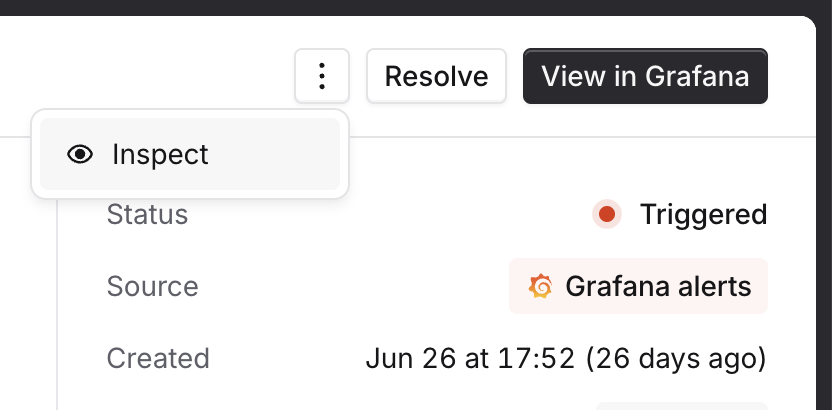
To see exactly what data we received, navigate to the alert and click "Inspect" in the overflow menu:
This shows you:
what the original payload we received was
what JavaScript was used to extract attributes from that payload (in case someone has changed them since the alert was received!)
what that Javascript returned, and whether that matched any catalog types
🏗 Common issues
Unexpected payload
Your alert source might not be sending the same data for all alerts, meaning that an expression that normally returns a value doesn't return anything sometimes!
This will show up in the inspector as the JavaScript returning no value.
You can fix this by:
changing the configuration inside your alert source, to make sure (for example) all alerts have a
teamlabelusing
||in your JavaScript to define multiple ways of finding an attribute, for example$.metadata.team || $.labels.team
Missing catalog entry
For catalog-powered alert attributes, if your JavaScript returns a value that can't be found in Catalog, the attribute won't get set.
This will show up in the inspector as the JavaScript returning a value, but no entry matching.
You can fix this by:
checking the configuration inside your alert source for typos - for example
team=paymntswon't find a team calledPayments!using aliases in Catalog to make a single catalog entry match many different input strings - you can learn more about this here