How do I change a custom field from fixed list to user-defined options?
Last updated: September 2, 2025
Context
When creating a multi-select custom field, you have the option to either use a fixed list of options or allow users to add their own options. Once a custom field has been created with a fixed list, the UI prevents direct modification to change it to user-defined options.
Answer
While you cannot directly modify an existing fixed-list custom field to allow user-defined options, you can create a new custom field and migrate the existing data. Here's how to transfer your data:
Create a new custom field with user-defined options enabled
Go to the incidents tab
Filter for incidents that contain a specific value in the old custom field
Use the bulk update feature to set the new custom field value
Repeat this process for each distinct value in your old custom field
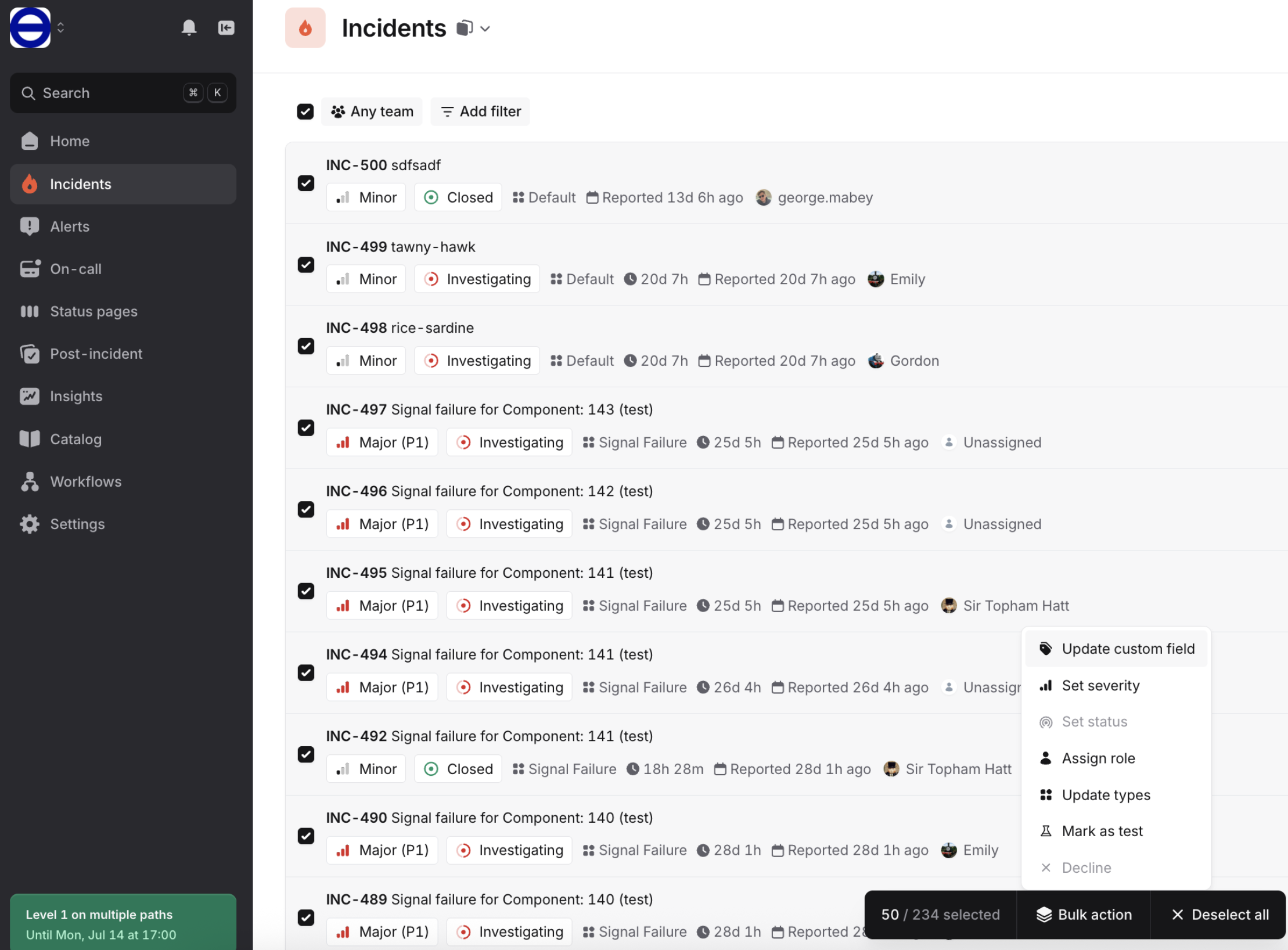
Note: If you encounter generic errors during bulk updates, this may be due to rate-limiting. To work around this, try reducing the size of your bulk update batch.