How do I set up Slack notifications for on-call schedule changes?
Last updated: January 26, 2026
Context
Teams often need to notify members when on-call schedules change, including who is coming on/off duty. Setting up automated Slack notifications helps keep everyone informed of these schedule changes.
Answer
You can configure automated Slack notifications for on-call schedule changes using workflows. Here's how to set it up:
Navigate to Workflows and create a new workflow
Select "An On-call schedule shift changes" as the trigger
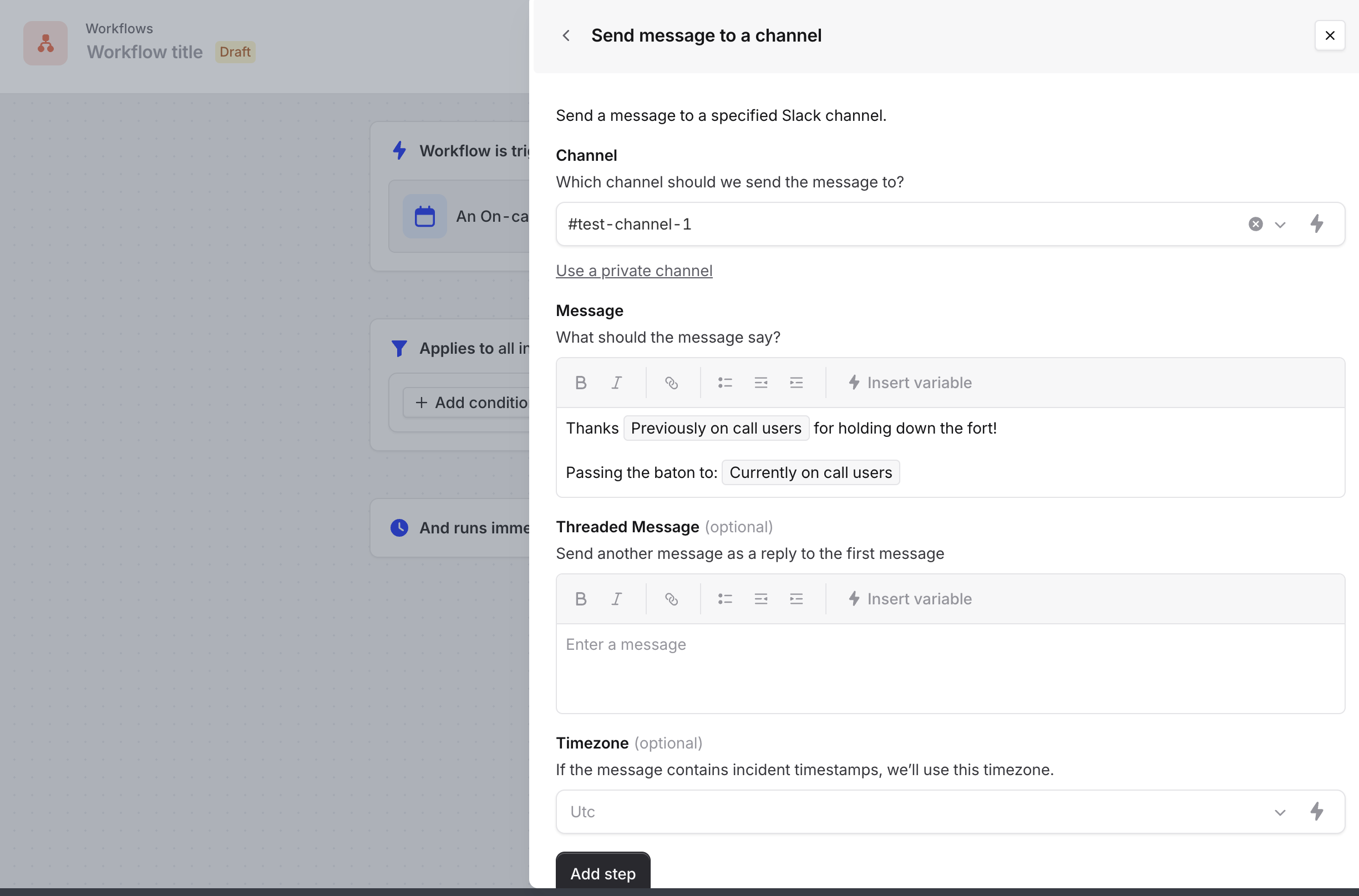
Add a Slack message action and choose your destination channel
In the message, you can use these variables to display shift information:
"Previously on-call users" - Shows who was on call
"Currently on-call users" - Shows who is now on call
Important notes:
Individual users can set up personal notifications through User Preferences for shift notifications