Using Pylon with incident.io for incident management
Last updated: February 20, 2026
Internally, we have two main use cases for using Pylon along with incidento.io
Linking Pylon issues with incidents
Sending customer escalations to the on-call Support Engineer for urgent support
🔗 Linking issues with incidents
Pylon offers an incident.io app that can be added to Pylon, which will let you:
Create a view of tickets, filtered by a specific incident
Run reporting & analytics on how many tickets are associated with incidents
Create differentiated automated workflows for tickets that are tied to an incident
‼ Escalating issues to Support Engineers
We want to give our users the power to escalate issues to us that they consider urgent. This is important for issues that may come up outside working hours or during bank holidays, so that our customers can page someone and get support within minutes.
How is this configured?
We do this by using Pylon's Forms
Form is triggered whenever a user reacts with a ‼ emoji on a message, which sends a form within the thread, asking the customer two questions:
Escalating Reason
Details of escalation
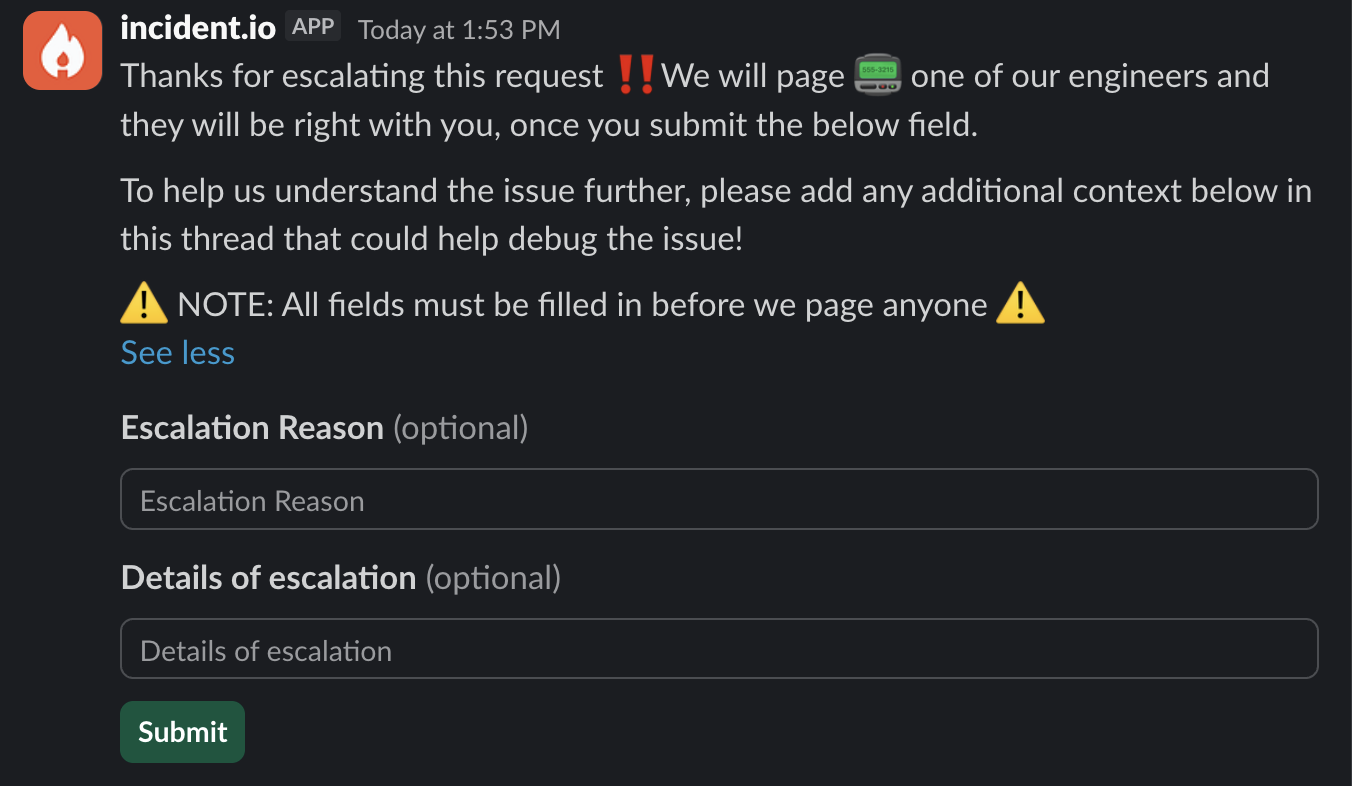
Once the two fields are submitted, we trigger a webhook call to our HTTP alert source to create a new alert in incident.io
This allows us to pass in all sorts of metadata to the alert.
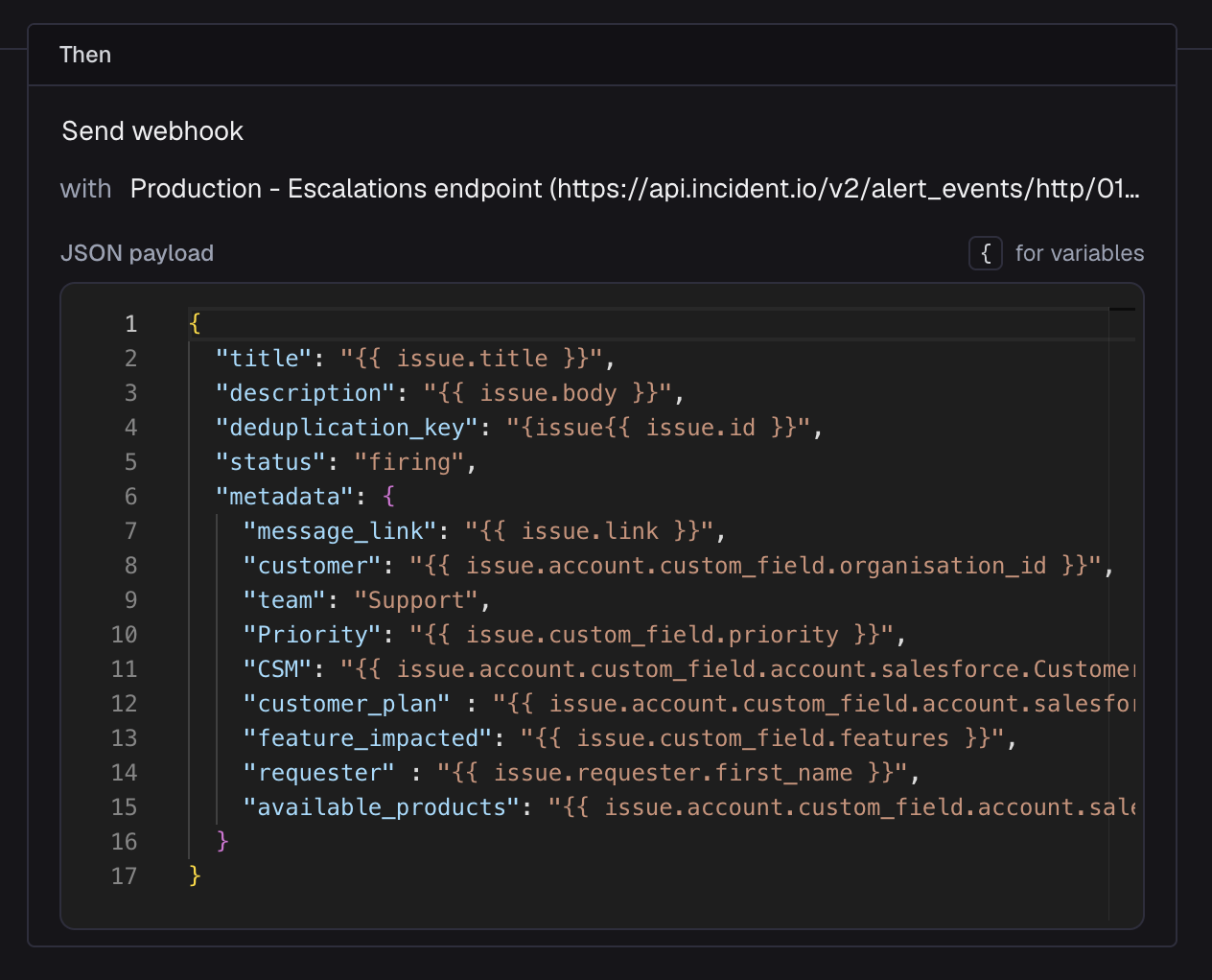
Once we receive the alert, we trigger an escalation and create an incident using our alert routes