Incidents without channels
Last updated: May 20, 2025
By default, we create a channel in Slack or Microsoft Teams for every incident as a dedicated space to collaborate and coordinate response.
We understand that for some low severity incidents, creating a channel might not be necessary - so we've introduced the flexibility to configure whether to create channels per Incident Type.
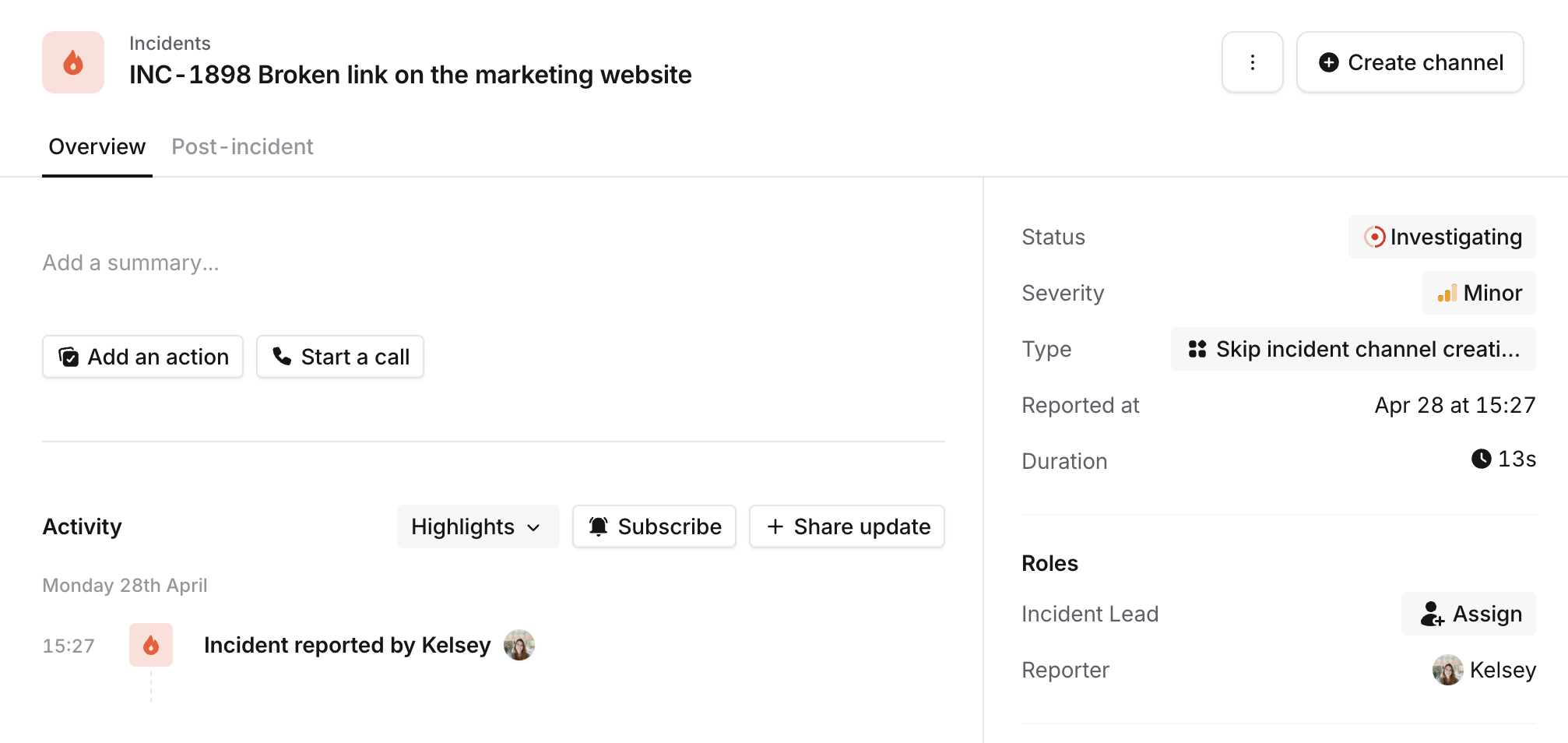
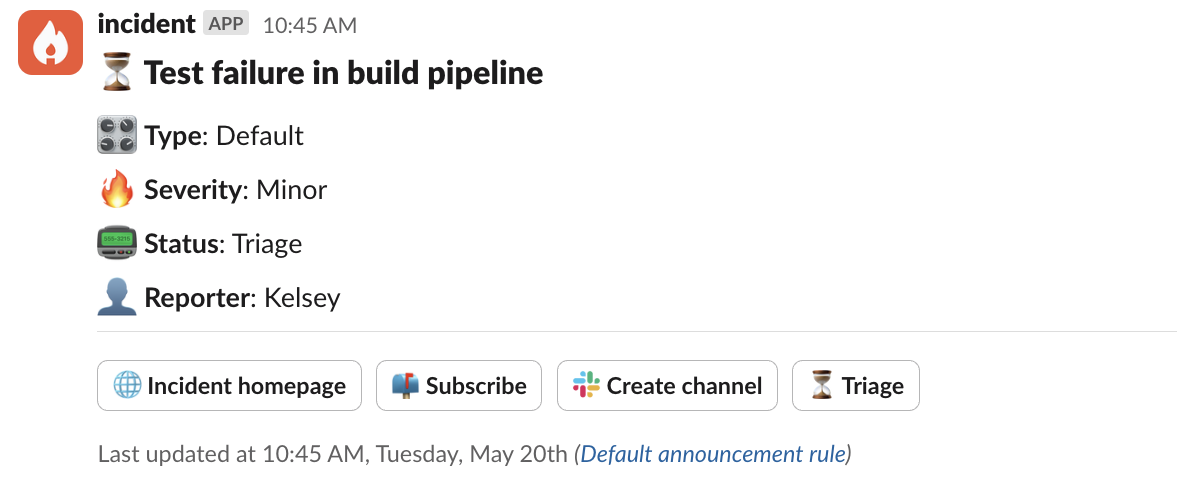
If you realise part way through the incident that it does need a channel after all, no worries! You can manually create a channel directly from the dashboard or incident announcement.
🛠 Setting Up
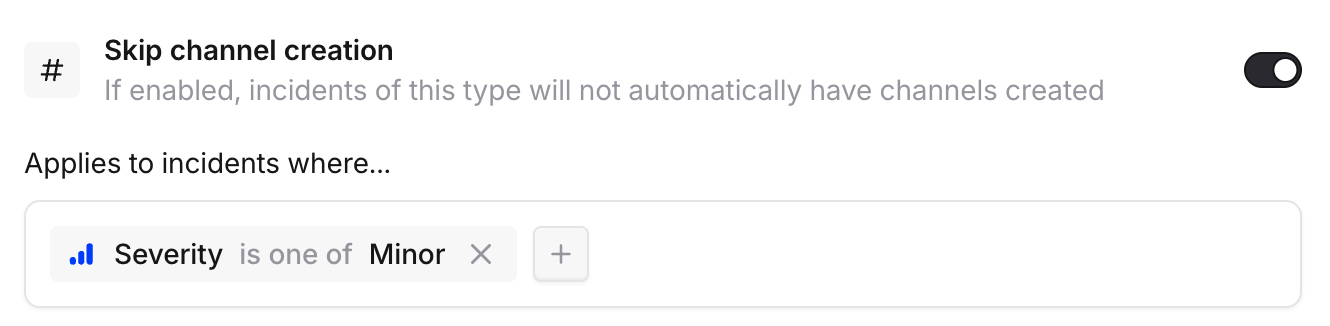
To configure this feature, navigate to Settings > Incident Types.
For your chosen Incident Type, toggle on 'Skip channel creation' and optionally set extra conditions, for example only skipping channel creation for Minor incidents.
✋ Manually creating channels
If you decide your incident does warrant a channel after all, you can trigger channel creation from the dashboard, or the incident announcement post.