Custom HTTP alert sources
Last updated: September 25, 2025
Utilizing a JavaScript expression, you can create an alert source which is able to parse almost any shape of a JSON payload. This is useful for connecting incident.io to alert sources which we don't have an official integration for yet.
Creating a custom HTTP alert source
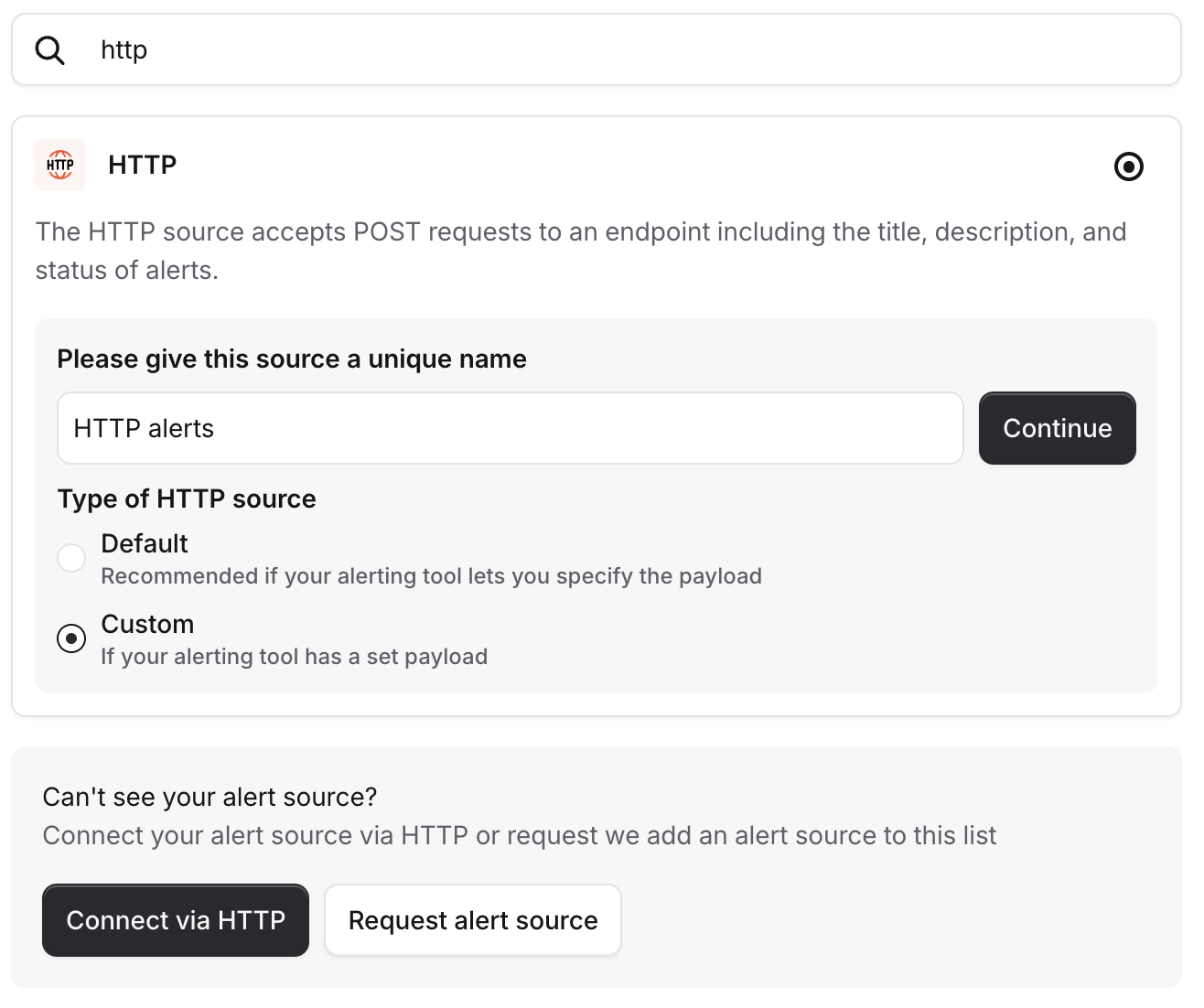
When creating a HTTP alert source, you will have the option to use either Default or Custom source types. The default mode will cover most scenarios, but if you find that your alerting tool has a set payload, you will want to us the custom HTTP source.
Below the Authentication information, there will be 2 fields which you can configure to extract the required information from a JSON payload.
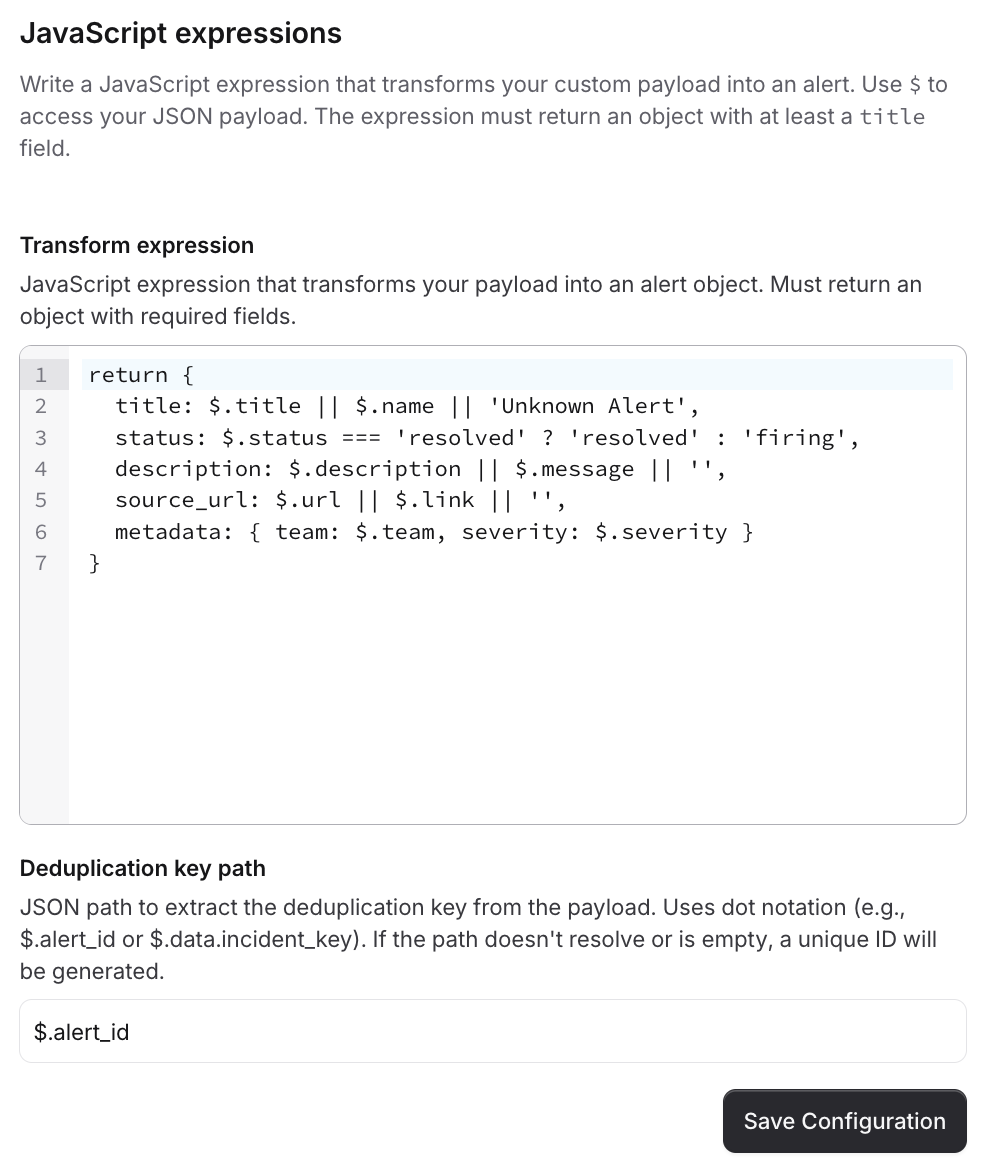
Transform expression
The transform expression is ES5-compatible JavaScript code that returns an object, matching up with our standard alert schema, having extracted the information from the incoming JSON payload $.
The root of the expression will be source_payload, so to correctly access the data and set the title for example, you'd need to do:
return {
  title: $.data.event.title
}
Instead of;
return {
  title: $.source_payload.data.event.title
}
Property | Description |
| The title, or name, of the alert |
| Status reflecting the state of the alert - one of |
| An optional long-text description of the alert, which is rendered alongside the title |
| An optional link to the origin of the alert, such as an alerting dashboard or other source |
| An unstructured object |
Expressions which take longer than 250 milliseconds to execute will result in a default alert being created.
Plain JavaScript expressions are normally executed in under a millisecond.
Deduplication key path
The deduplication key path is a . separated pointing us at the property we should use as the deduplication key for an alert.
For the sake of reliability and simplification of configuration, this is not executed as JavaScript.
Powering attributes & priorities
To power attributes, and priorities, via an expression, you should pull the required information into the metadata property.
return {
  title: $.title,
  metadata: {
    priority: $.priority,
    team: $.team
  }
}
This can be accessed via alert attribute expressions to enrich an alert as with any other alert source.
Although visible as a fallback, source_payload cannot be accessed by attribute expressions.
Any properties should be pulled up into metadata to ensure they're accessible.
FAQs
What happens if there's an error in the JavaScript?
If we hit an error running the transform expression, we will create a default alert, with the whole payload accessible on a source_payload property when inspecting the alert.
What if the deduplication key isn't present in the payload?
We will generate a random deduplication key for you so your alert can still be processed, but please note it means we will not be able to deduplicate any alerts.